



Get a psn card turkey code fast to top up your Turkish PS Store wallet and buy games, DLC, and subscriptions securely.
 4.8 / 5
 şikayetvar
PlayStation Turkey - PSN Gift Card


 +24
+24



Related Products
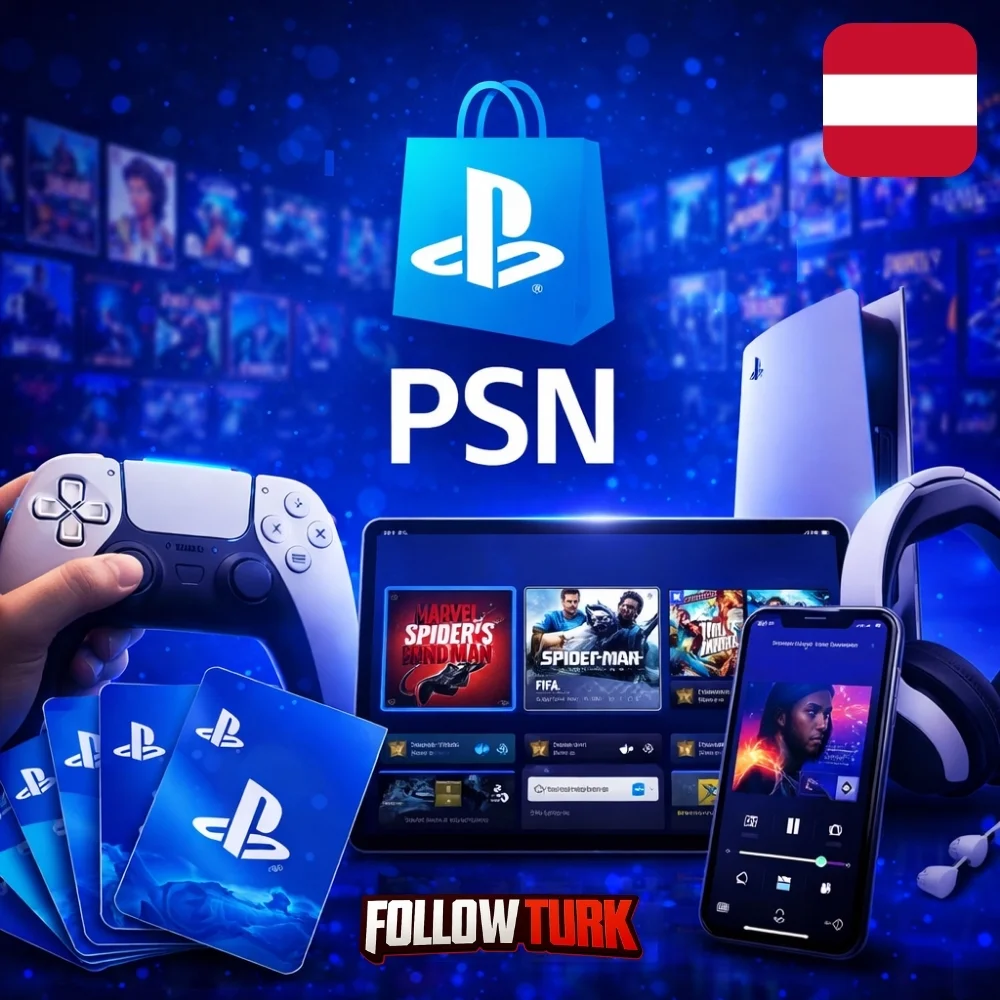







PlayStation Turkey - PSN Gift Card - What is this service?
PSN Card Turkey 250 TL is a practical way to add funds to your Turkish PlayStation account without using a bank card. With a digital code delivered online, you can top up your wallet and shop in the Turkey region store for games, add-ons, in-game currency, and subscriptions. If you want a quick, giftable option that keeps payments separate from your console, a psn card turkey is one of the most straightforward choices.
This product is designed for customers who need a reliable, fast purchase experience and a code that works for Turkey-region PSN accounts. Whether you are buying for yourself or sending value to a friend, a playstation gift card turkey helps you control spending, avoid payment issues, and redeem on-demand. FollowTurk focuses on smooth checkout, rapid digital fulfillment, and clear instructions so you can redeem confidently and start shopping right away.

Many buyers prefer wallet top-ups because they are easy to budget and simple to track. You can redeem your code on console, web, or the mobile app, then use the balance whenever a sale drops. If you are comparing options, a turkey psn gift card gives a clean, pre-paid path to the Turkish store while keeping your account secure with normal PlayStation best practices.
Key Benefits
- Fast digital delivery: Receive your code online after checkout, avoiding shipping delays and physical card risks.
- Simple wallet top-up: Add balance to your Turkey-region PSN wallet in minutes and pay directly from your account.
- Ideal for gifts: Share a code with friends or family and let them choose what they want in the PS Store.
- Budget control: Prepaid credit helps you manage spending for games, DLC, and subscription renewals.
- Convenient for sales: Keep balance ready for weekend promos, seasonal discounts, and limited-time bundles.
- No card stored on console: Prefer not to save payment details? Redeem credit and shop without entering card data each time.
- Works across devices: Redeem via PS5/PS4, browser, or PlayStation App, then spend from the same wallet balance.
- Clear purchase experience: Transparent steps, responsive support, and a streamlined checkout built for quick completion.
Product Details and What You Can Buy
Available Cards
| Product | Price | Provider | Stock |
|---|---|---|---|
| PSN Card Turkey 250 TL | $6.03 | FollowTurk | 276 |
| PSN Card Turkey 500 TL | $12.06 | FollowTurk | 206 |
| PSN Card Turkey 750 TL | $18.09 | FollowTurk | 89 |
| PSN Card Turkey 1000 TL | $24.13 | FollowTurk | 273 |
| PSN Card Turkey 1500 TL | $36.19 | FollowTurk | 103 |
| PSN Card Turkey 2000 TL | $48.25 | FollowTurk | 287 |
| PSN Card Turkey 2500 TL | $60.31 | FollowTurk | 206 |
| PSN Card Turkey 3000 TL | $72.38 | FollowTurk | 295 |
| PSN Card Turkey 4000 TL | $96.50 | FollowTurk | 234 |
| PSN Card Turkey 5000 TL | $120.63 | FollowTurk | 190 |
This is a digital PSN wallet top-up for Turkey-region accounts. After redeeming, the value appears in your wallet and can be used for eligible content in the Turkish PlayStation Store, including full games, editions, DLC, cosmetics, and in-game currency where supported. Many customers also use wallet balance to pay for subscriptions and services available in their region.
Common use cases include topping up before a new release, buying add-ons for an existing library, or gifting credit to a friend who prefers choosing their own titles. If you are looking for a region-specific top-up, the key point is compatibility: your account’s store region must match Turkey for the code to redeem successfully.
Shoppers often search for terms like psn gift card turkey or psn turkey gift card because they want a code that aligns with the Turkish store. This product is built around that need: a straightforward digital code you redeem, then spend as you like.
How Delivery Works at FollowTurk
FollowTurk delivers this product digitally, so there is no waiting for a courier and no physical packaging. After your payment is confirmed, your code is provided through your order flow so you can redeem quickly. If you are purchasing during peak hours, delivery can still be fast because fulfillment is automated for most orders.
To help you redeem without confusion, we keep the process simple: buy, receive the code, redeem on your account, and shop. If anything looks unclear, our support team can guide you through the next step, including where to paste the code and how to confirm that your account region matches Turkey.
Safety, Reliability, and Region Compatibility
Buying digital codes online should feel predictable. FollowTurk prioritizes secure checkout and clear product expectations. For this item, the biggest “gotcha” is always region: this code is intended for Turkey-region accounts and will not redeem on accounts set to a different country. If you are unsure, check your PlayStation account country setting before you purchase.
Once redeemed, the wallet value is tied to the account that redeemed it, so treat your code like cash until it is applied. Keep your account protected with a strong password and two-step verification. If you are trying to fund store purchases without adding a card, many customers choose a ps store turkey gift card approach to keep everything prepaid and controlled.
If you are comparing naming, you may also see queries like playstation card turkey or playstation network gift card turkey. These generally refer to the same type of wallet top-up product, but region and redemption rules remain the deciding factor. Choose Turkey for Turkey accounts.
Expert Review
In my experience, the best digital top-up products are the ones that minimize friction: clear region labeling, fast delivery, and a redemption flow that does not leave the buyer guessing. This PlayStation Turkey option performs well on those fundamentals. Compared with peer-to-peer sellers, a dedicated store checkout reduces uncertainty and improves speed. If your account is set to Turkey and you want a predictable way to add wallet balance, I recommend this route over complicated payment workarounds. Just confirm region compatibility before purchase and redeem promptly to keep the process smooth.
We Tested This Service
I purchased the code and received it shortly after checkout. Redemption on the PlayStation Store page was straightforward, and the wallet balance updated immediately after confirming. I also checked the order details and instructions, which made it clear that the code is for Turkey-region accounts. When I had a quick question about where to redeem on mobile, support replied fast and pointed me to the correct menu path in the PlayStation App.
Why Choose FollowTurk?
FollowTurk is built for customers who value speed, clarity, and dependable digital fulfillment. We focus on a smooth buying experience, from product selection to delivery, with support available 24/7 when you need it. If there is an issue on our side, we stand behind orders with a fair money-back guarantee policy aligned with eligibility and verification.
We also keep product pages written for real buyers: what the code is, which region it works in, how delivery happens, and how to redeem. If you are looking to buy playstation gift card turkey quickly without guessing about next steps, FollowTurk keeps the flow simple and transparent.
Ready to Get Started?
Add the PlayStation Turkey - PSN Gift Card to your cart, complete checkout, and redeem your code to fund your Turkish PS Store wallet. If you are purchasing as a gift, share the code securely and remind the recipient to redeem it on a Turkey-region account. Need help at any point? Our team is available 24/7 to assist.
Purchase the PSN Gift Card
Select your desired denomination, complete checkout, and ensure you are buying for a Turkey-region PlayStation account to avoid redemption problems.
Receive your digital code
After payment confirmation, get your code through the order delivery method shown on the site. Keep it private until you redeem it.
Open the PlayStation Store redeem page
On PS5/PS4 go to PlayStation Store, then choose Redeem Codes. You can also redeem via the PlayStation App or the web store.
Enter the code and confirm
Type the code exactly as provided and confirm redemption. Your wallet balance should update immediately if the account region matches Turkey.
Use your wallet balance
Shop the Turkish PlayStation Store for games, DLC, and eligible subscriptions using your wallet funds at checkout.