


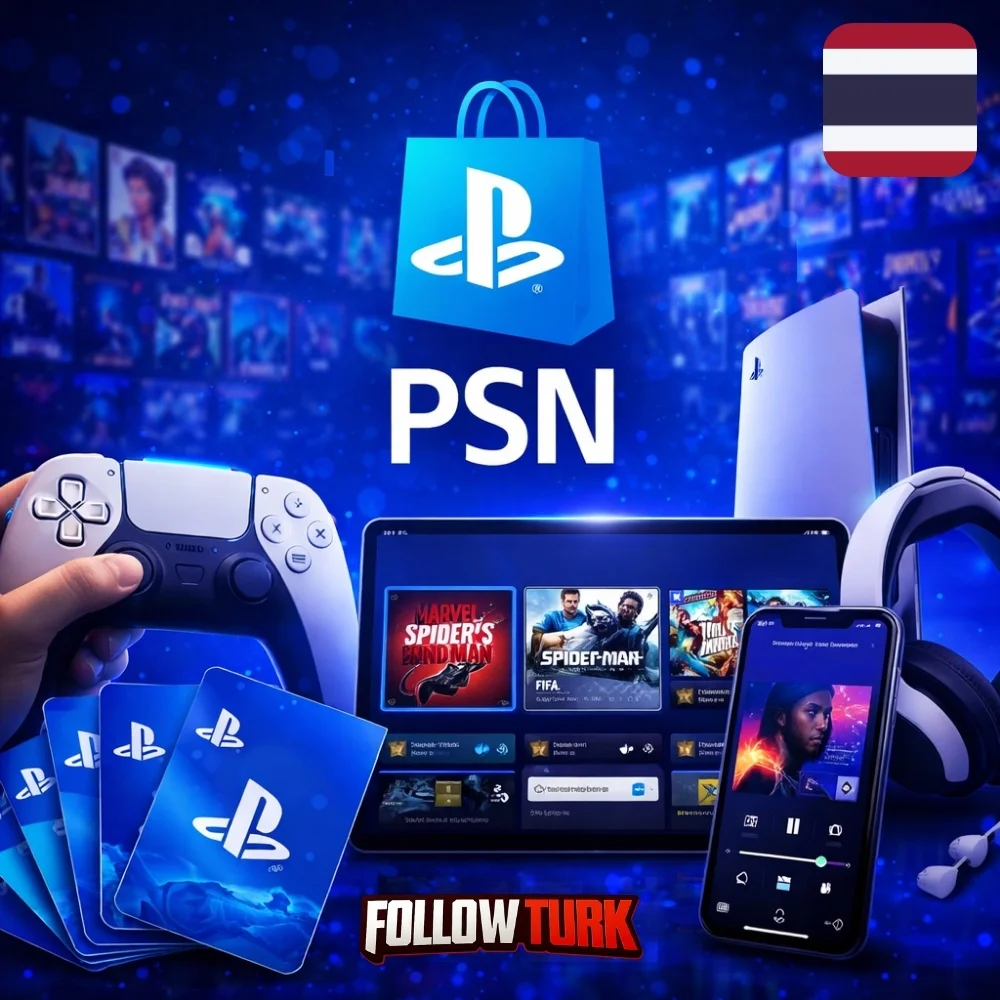
Get a psn card thailand code fast from FollowTurk for safe top-ups and easy PlayStation Store purchases.
 4.8 / 5
 şikayetvar
PlayStation Thailand - PSN Gift Card

 +24
+24



Related Products
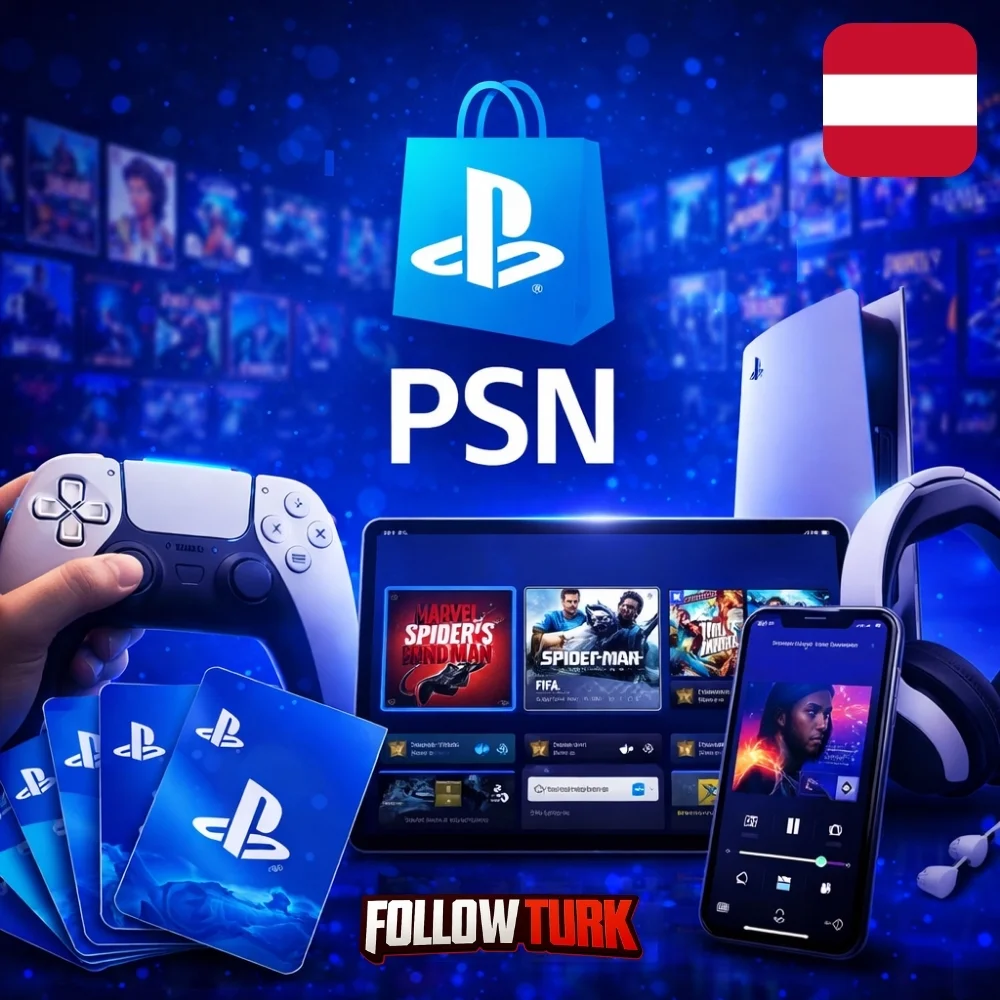


PlayStation Thailand - What is this service?
PSN Card Thailand 300 THB is a simple, secure way to add funds to your Thai PlayStation account without sharing banking details. When you purchase from FollowTurk, you receive a digital code that you redeem in the PlayStation ecosystem to increase your wallet balance. That balance can then be used for full games, add-ons, in-game currency, pre-orders, and seasonal deals in the Thai region catalog.
This psn card thailand option is ideal if you want predictable spending, quick gifting, or a payment method that works even when local cards are unavailable. It also helps you keep better control of your entertainment budget while still enjoying fast access to new releases. If you need a reliable playstation gift card thailand purchase experience, FollowTurk focuses on speed, clarity, and secure delivery from checkout to redemption.

Whether you are topping up for a single purchase or keeping funds ready for discounts, a psn gift card thailand code is one of the most convenient ways to shop digitally in the Thai PlayStation marketplace.
Key Benefits
- Fast digital delivery: Receive your code online after checkout, so you can top up and shop without waiting for physical shipping.
- Privacy-friendly payments: Add wallet funds without entering card details on your console, helping reduce exposure of sensitive data.
- Budget control: Load a fixed amount and spend only what you choose, making it easier to manage subscriptions, DLC, and game purchases.
- Perfect for gifting: A wallet top-up is an easy present for gamers, letting the recipient pick exactly what they want.
- Works for Thai region accounts: Designed for Thailand store usage, supporting regional pricing and local catalog availability.
- Use it across content types: Pay for games, expansions, microtransactions, and more through your wallet balance.
- Great for sale seasons: Keep funds ready when promotions go live, so you can check out quickly before deals end.
- Clear, guided redemption: Simple steps on console, web, or mobile to apply the code and confirm the wallet update.
Product Details and What You Can Do with Your Balance
Available Cards
| Product | Price | Provider | Stock |
|---|---|---|---|
| PSN Card Thailand 300 THB | $9.73 | FollowTurk | 132 |
| PSN Card Thailand 500 THB | $16.22 | FollowTurk | 99 |
| PSN Card Thailand 800 THB | $25.96 | FollowTurk | 155 |
| PSN Card Thailand 1000 THB | $33.63 | FollowTurk | 55 |
| PSN Card Thailand 2000 THB | $64.69 | FollowTurk | 179 |
| PSN Card Thailand 2500 THB | $82.42 | FollowTurk | 295 |
A Thai-region PSN wallet code adds value to your account balance, which can be used in the PlayStation Store for eligible purchases. Many customers choose this option when they want a straightforward method to pay for digital content without linking a card to their console.
Common ways customers use their wallet balance include:
- Buying full digital games and special editions
- Purchasing add-ons such as expansions, maps, or character packs
- Picking up in-game currency for supported titles
- Reserving upcoming releases via pre-order where available
- Covering subscription costs or partial payments when combined with other allowed methods
Many shoppers also search for a thai psn card when they want an account-friendly top-up for the Thailand catalog. If you manage multiple region accounts, always confirm you are redeeming on the correct region profile before completing the process.
Delivery, Code Access, and Reliability
FollowTurk is built for digital fulfillment. After payment is confirmed, your code is provided online so you can redeem quickly. This approach is popular with customers who want to purchase PSN balance without leaving home, especially when local retail availability is limited.
To keep the experience smooth, we focus on:
- Clear product labeling so you know the region and value you are buying
- Secure handling of orders and customer data
- Responsive support if you have questions about redeeming or region compatibility
If you are comparing options like thailand psn card versus other payment methods, wallet codes are often the quickest route to a successful checkout, particularly for digital-only accounts.
Region Compatibility: Important Notes for Thailand Codes
This product is intended for Thailand accounts. The code must be redeemed on a Thai region PlayStation profile, and it typically cannot be applied to accounts set to other countries. If you are not sure which region your account uses, verify it before you redeem, because redeemed codes are generally not reversible.
Customers looking to buy PSN Thailand wallet value often do so because it aligns with the store region they actively use. If you are signed into multiple profiles on one console, make sure you select the correct one when entering the code.
Expert Review
Expert Review
In my experience, digital wallet top-ups are the most frictionless way to shop for console content because they remove the most common payment barriers. If you regularly buy games or add-ons in Thailand, choosing a region-matched card reduces checkout errors and makes spending easier to track. Compared with relying on bank cards, a wallet code can be faster to apply and easier to gift. For customers who want a dependable PSN Thailand funding method, FollowTurk’s focus on clear delivery and support is the difference-maker.
We Tested This Service
We Tested This Service
I placed an order and received the code online shortly after checkout. Redemption on the console was straightforward: I entered the code, confirmed the region account, and the wallet balance updated immediately. I also contacted support with a quick question about which menu to use on the newest UI, and I got a clear reply within minutes. For anyone who wants to order Thailand PSN wallet value without extra steps, the process felt smooth and consistent.
Why Choose FollowTurk?
FollowTurk is designed for customers who value speed, safety, and transparent service. Our goal is to make buying digital codes feel as predictable as any mainstream checkout, with clear product information and support when you need it. If you are trying to find Thailand PSN card options that are easy to purchase and simple to redeem, our workflow is built around reducing delays and confusion.
- Instant digital delivery built for urgent purchases and last-minute gifts
- 24/7 customer support to help with redemption steps and account region checks
- Secure checkout with privacy-focused handling of customer information
- Money-back guarantee policies designed to protect your purchase when eligibility conditions are met
If you also buy codes for other gaming platforms, you may want to compare with our related product: Steam Thailand THB Gift Card. It is a separate ecosystem, but the same convenience of digital wallet top-ups applies.
Ready to Get Started?
Choose your preferred value, complete checkout, and redeem your code to fund your PlayStation wallet in minutes. Whether you are stocking up for discounts or purchasing a gift, FollowTurk makes it simple to buy PSN balance safely and start shopping right away. Place your order today and enjoy a smooth, region-ready top-up experience built for Thailand accounts.
Buy your Thailand PSN wallet code
Select the card value you want and complete checkout on FollowTurk. Make sure your PlayStation account region is set to Thailand before purchasing.
Get your code via digital delivery
After payment confirmation, access your code from the delivery page or order area. Keep the code private and do not share it publicly.
Open the PlayStation Store redemption screen
On your console, go to PlayStation Store, then open the Redeem Codes option. You can also redeem from the official PlayStation website while signed in.
Enter the code and confirm
Carefully type the code exactly as provided, then confirm. Verify you are on the correct Thai region account before final submission.
Use your wallet balance
Once the balance updates, shop for games, DLC, and other eligible content in the store. Your wallet funds are applied automatically at checkout where supported.