

This Minecraft cape account comes with full access and between 1 and 10 random capes, depending on the number you pick. Login details arrive instantly once payment is confirmed.
 4.8 / 5
 şikayetvar
Full-Access Minecraft Cape Account with 1–10 Random Capes

 +24


Frequently Bought Together
Related Products

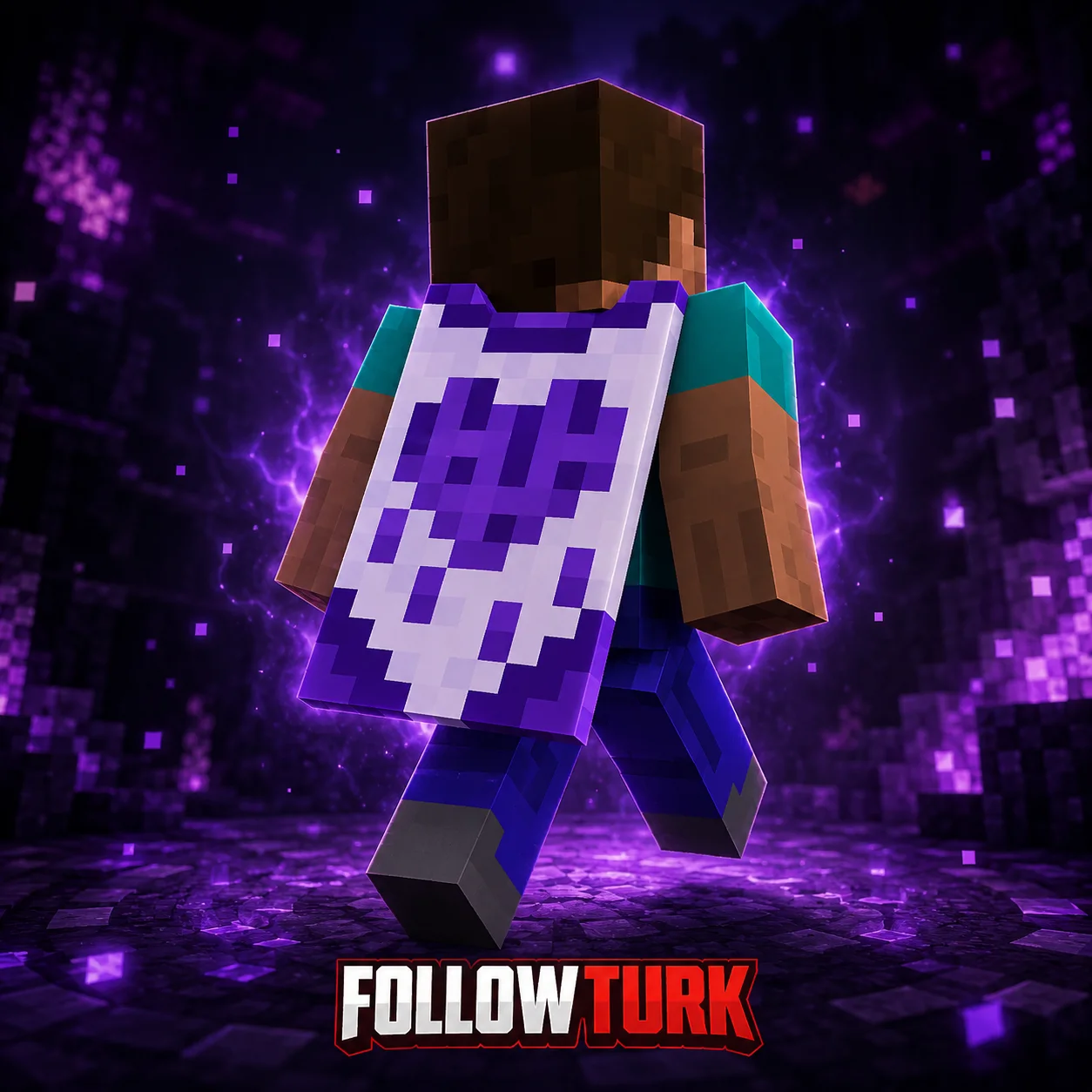
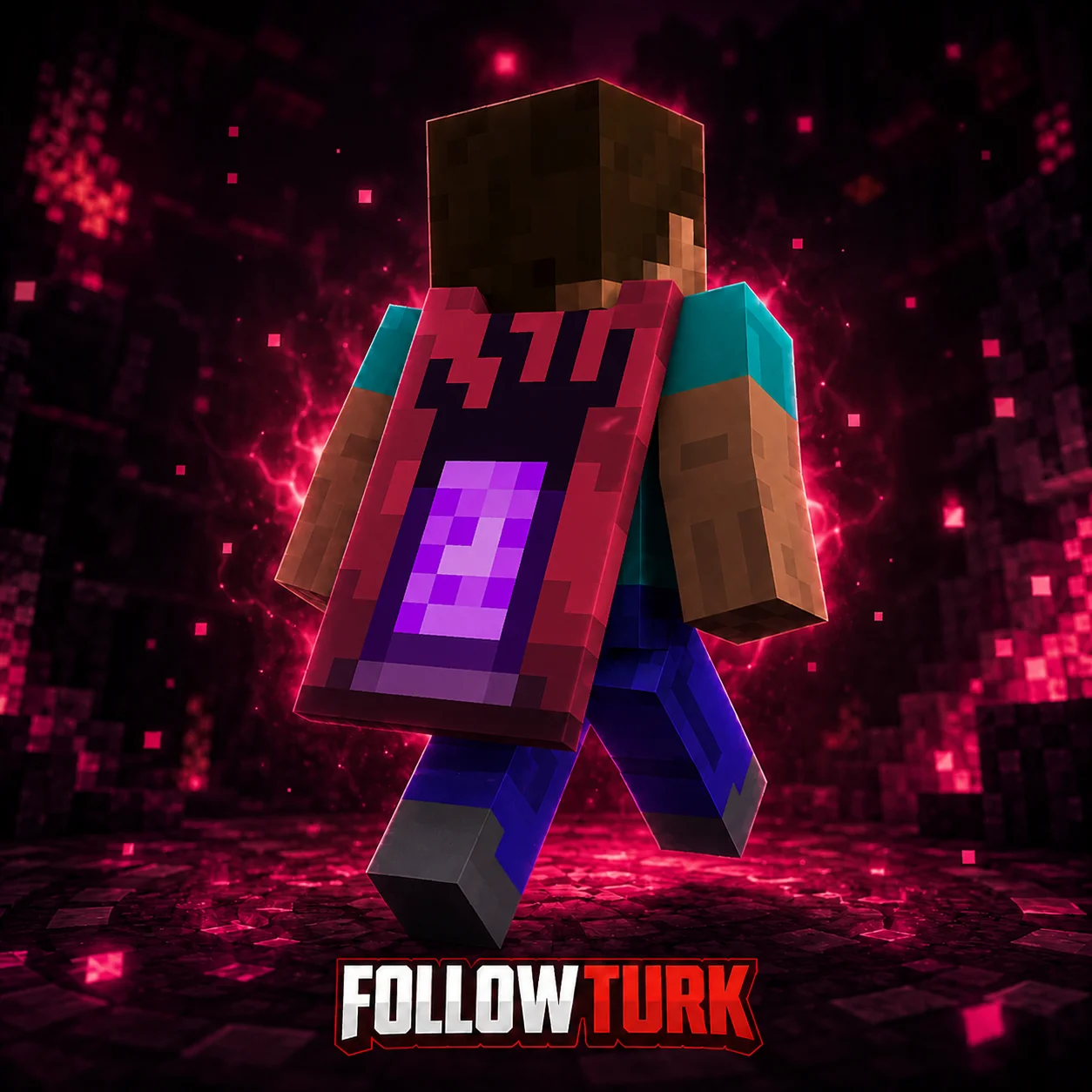
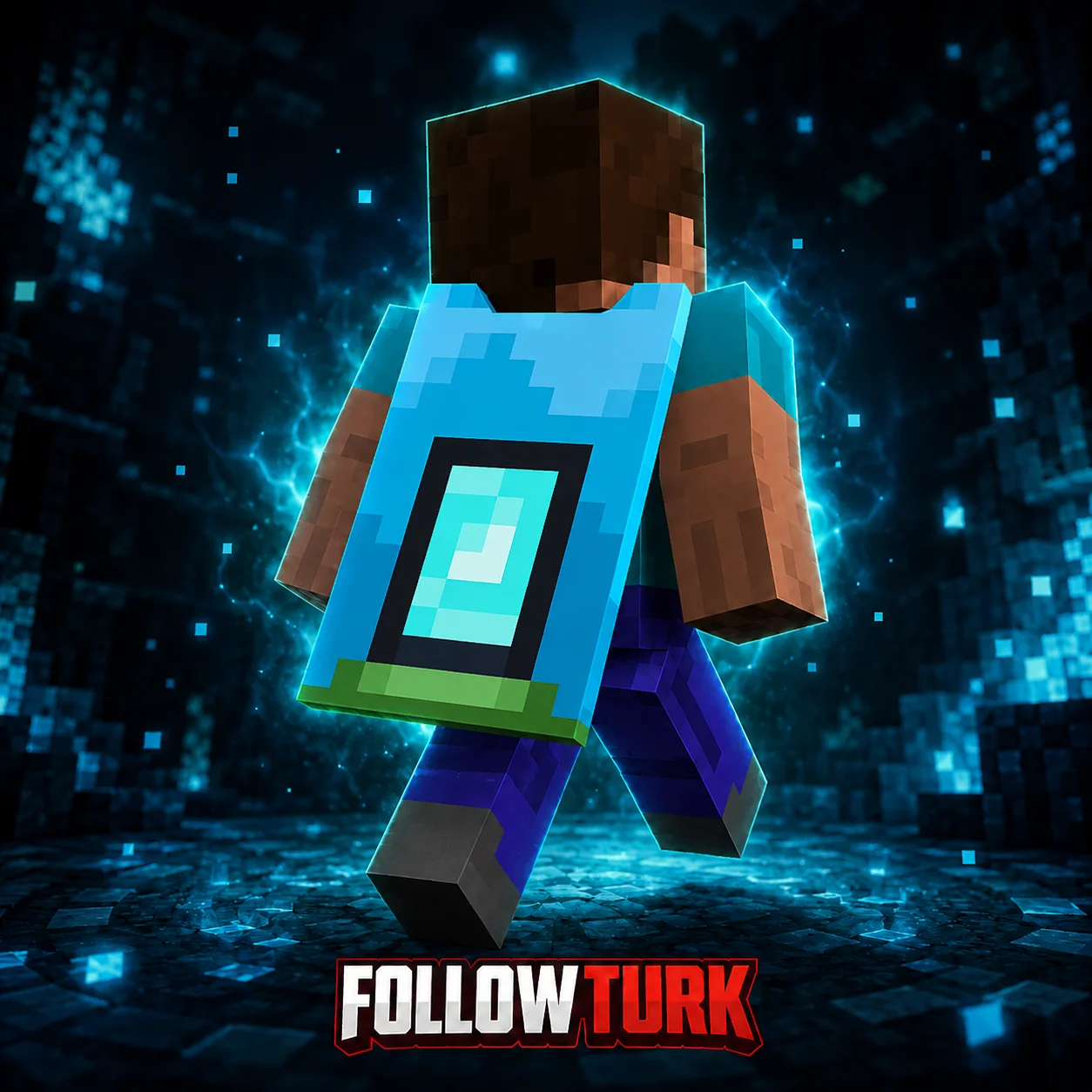
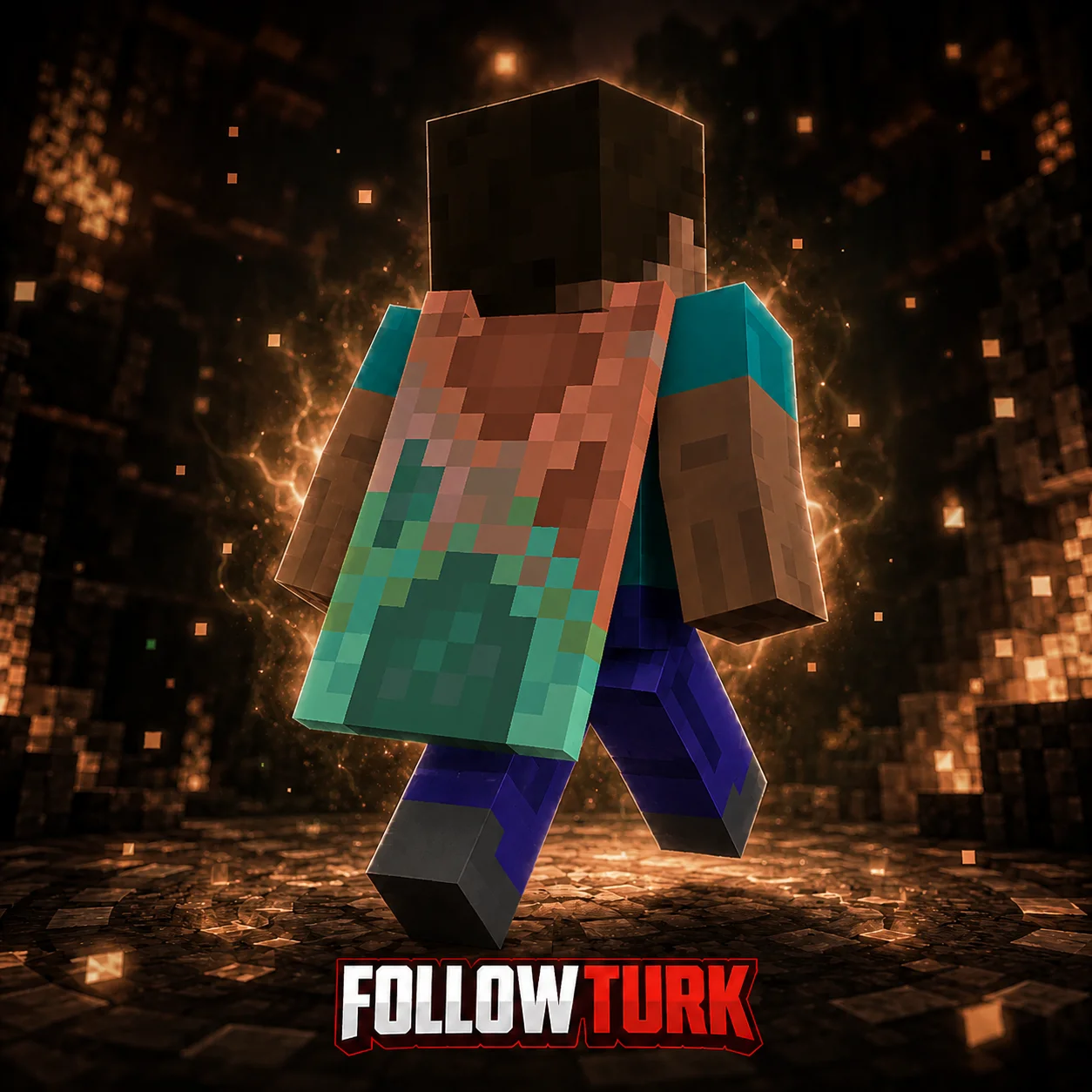
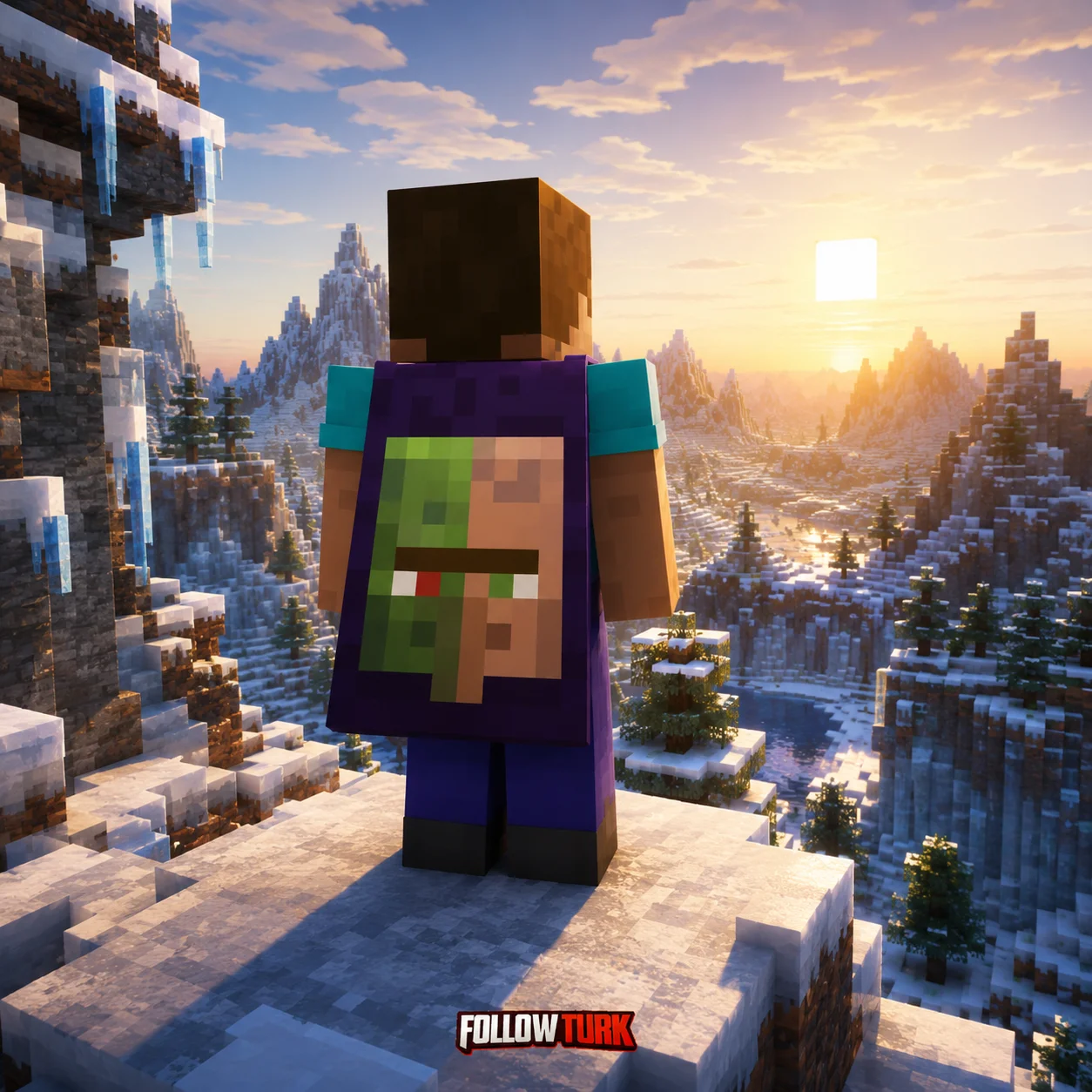
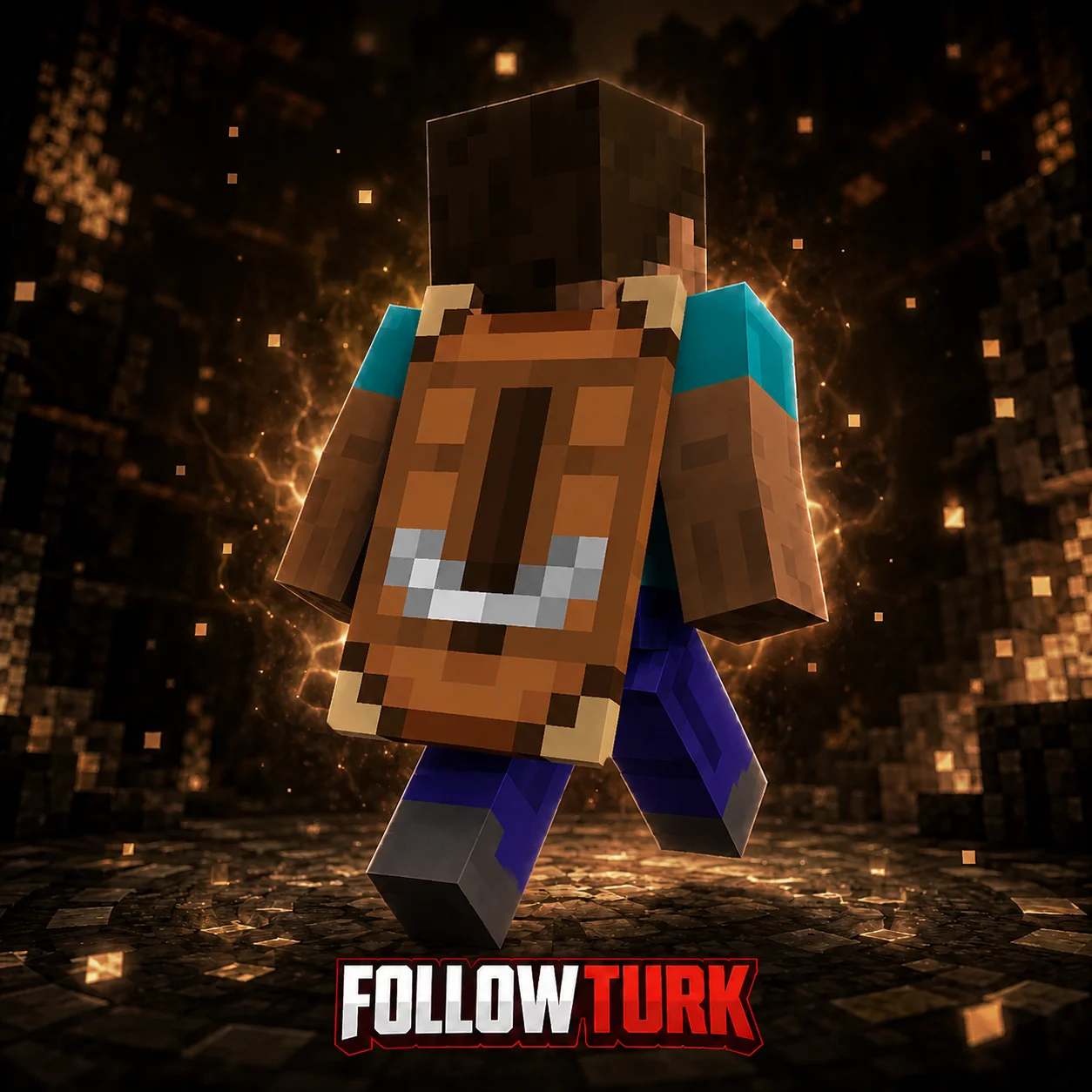
A Minecraft cape account is a ready Microsoft account that owns the game and already has capes on its profile. You choose how many capes it should carry, from 1 up to 10. Which ones you get is left to chance, so treat every Random Cape order as a small surprise.

- What you receive: a complete Minecraft account, not a code or a single cosmetic.
- Cape count: 1 to 10, set by you on this page before checkout.
- Cape selection: random; specific capes are never promised in advance.
- Account type: a Microsoft account, which Minecraft on PC requires.
- Delivery: login details sent instantly after payment is confirmed.
- Access level: full, including the option to change the email address.
Minecraft cape account or a fresh Minecraft account?
A new Minecraft account starts with almost nothing on its back. The Pan Cape is the only cape handed to every player. Every other public cape was tied to a limited-time promotion, an event server or an in-person event. No cape editor exists for buyers or players to make one from scratch. That is why the community treats capes as commemorative items.
A Random Cape order sidesteps those closed windows. The capes already sit on the profile when you sign in. On PC, the game runs through a Microsoft account. Java Edition works on Windows, macOS and Linux, while Bedrock Edition runs on Windows.
Some history explains the mix you might see. Founder's Cape first appeared on Bedrock in 2019, and the Pan Cape came to Bedrock in 2020. Java Edition received both on 8 May 2025.
How Minecraft capes from a Random Cape order look
Every cape is a 16x10x1 pixel rectangle. It sits tilted on the upper back and sways while your character walks or runs. Expect a taller lift on a Bedrock character than on a Java one. Put on elytra and they take on the cape's design too.
Capes from a Random Cape order are cosmetic only. Combat, movement and building stay exactly the same. Java capes are not bundled into the game download. Mojang keeps them server-side next to your skin, so a friend on an older or newer Java release still sees your cape. Capes released after the 2022 Java & Bedrock bundle cover both editions, with the Progress Pride Cape as the exception.
First sign-in on your new MC account
The MC account behind your Random Cape order arrives with full access. A few minutes of setup makes it properly yours:
- Sign in with the delivered login details.
- Change the password right away, during this first login.
- Replace the email address with one you control.
- On Java Edition, open the skin menu in the Minecraft Launcher or the profile page on the Minecraft website and pick a cape.
- Playing Bedrock Edition? Your capes are listed under Capes inside the Character Creator.
If a cape seems missing on Java Edition, log into Bedrock Edition once. That step is often needed to activate it.
Want one particular cape instead?
A Random Cape mix suits players who enjoy variety. If you have a specific design in mind, a single cape key may fit better. Two examples are the Builder Cape and the copper-colored cape. Need an account without the cape focus? See the Java and Bedrock account. You can also browse all account options side by side.
Complete your purchase
Select the Java + Bedrock Minecraft Account package, proceed to checkout, and finish payment. Keep your order confirmation available in case support needs verification.
Receive login credentials
Check your email or on-site delivery page for the username and password details. Read the included notes carefully before attempting the first sign-in.
Sign in to the correct platform
Log in using the provided Microsoft or launcher flow as instructed. Use a stable connection and avoid multiple failed attempts, which can trigger extra security checks.
Secure the account immediately
Change the password right away and update recovery options where possible. This helps protect access and reduces the chance of future login problems.
Verify access to your edition(s)
Open the launcher, confirm you can reach the game, and check that the edition you plan to play is available. If something looks wrong, contact support with details.
How is the account delivered?
What should I do for account security?
Can the account be refunded?
Is the payment safe?
How long is the account warranty?
Customer reviews
Only buyers can write reviews. If a buyer writes none, an automatic rating is added 3 days after the order is completed.
absolutely great, it actually gave what i was looking for lmao, wanted to troll
 luc*** · Verified buyerDiscord Offline Members
online üyeler nezaman yenilenecek yeni siapriş veremiyorum destek oluşturamıyorum
 met*** · Verified buyerDiscord Offline Members
Legit fr love u followturk
 idforsam · Verified buyer3 Month DC Promo Nitro Key
W!
 aghaworldwide · Verified buyer1-Month Discord Server Boost
send me new
 papejgur_ · Verified buyer3 Month DC Promo Nitro Key
good
 bau*** · Verified buyerDC Profile Effect – $5.99