


Get a Copper Cape Minecraft key fast with instant delivery, secure checkout, and clear redemption steps on FollowTurk.
 4.8 / 5
 şikayetvar
Copper Cape - Minecraft Key

 +24
+24


Frequently Bought Together

Related Products

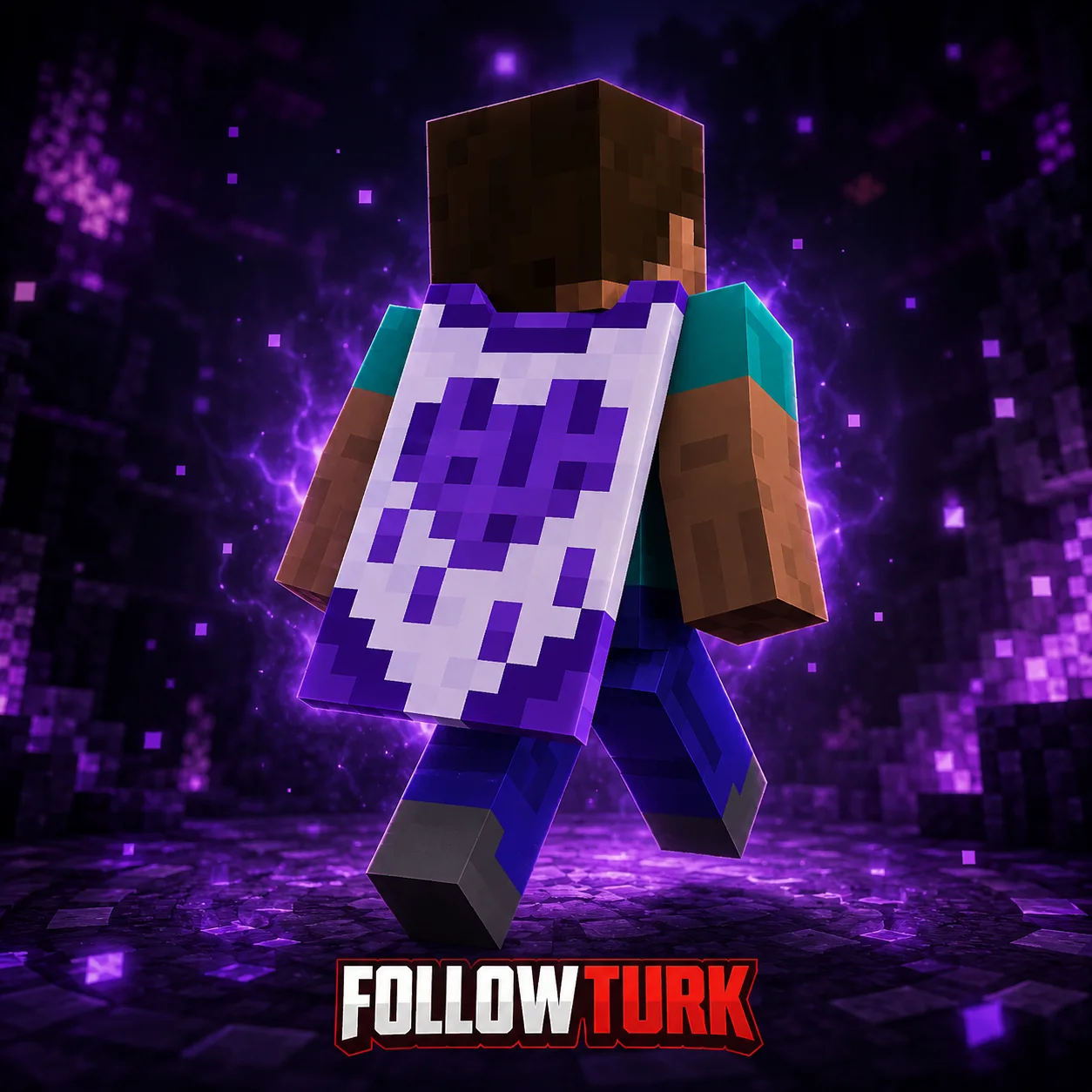
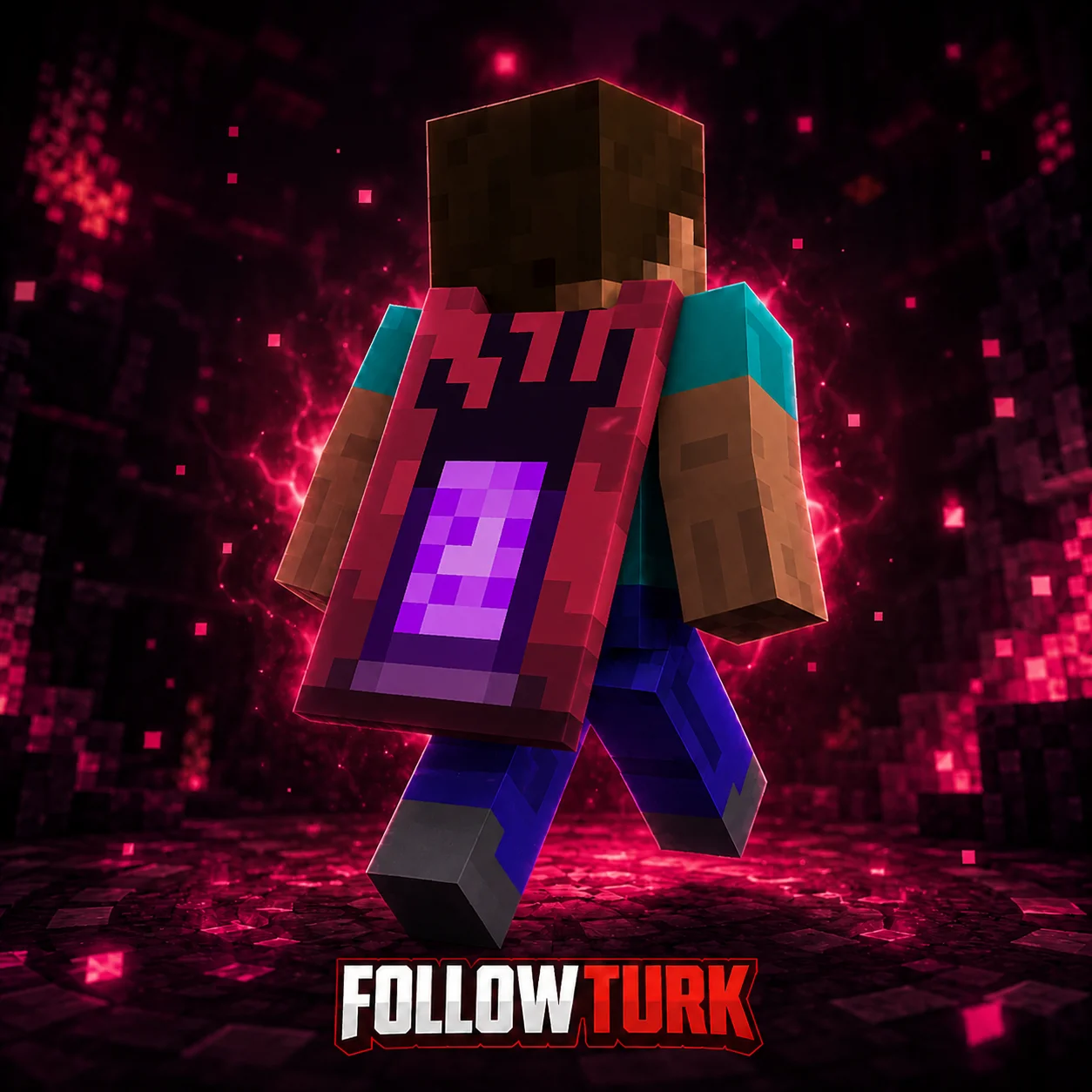
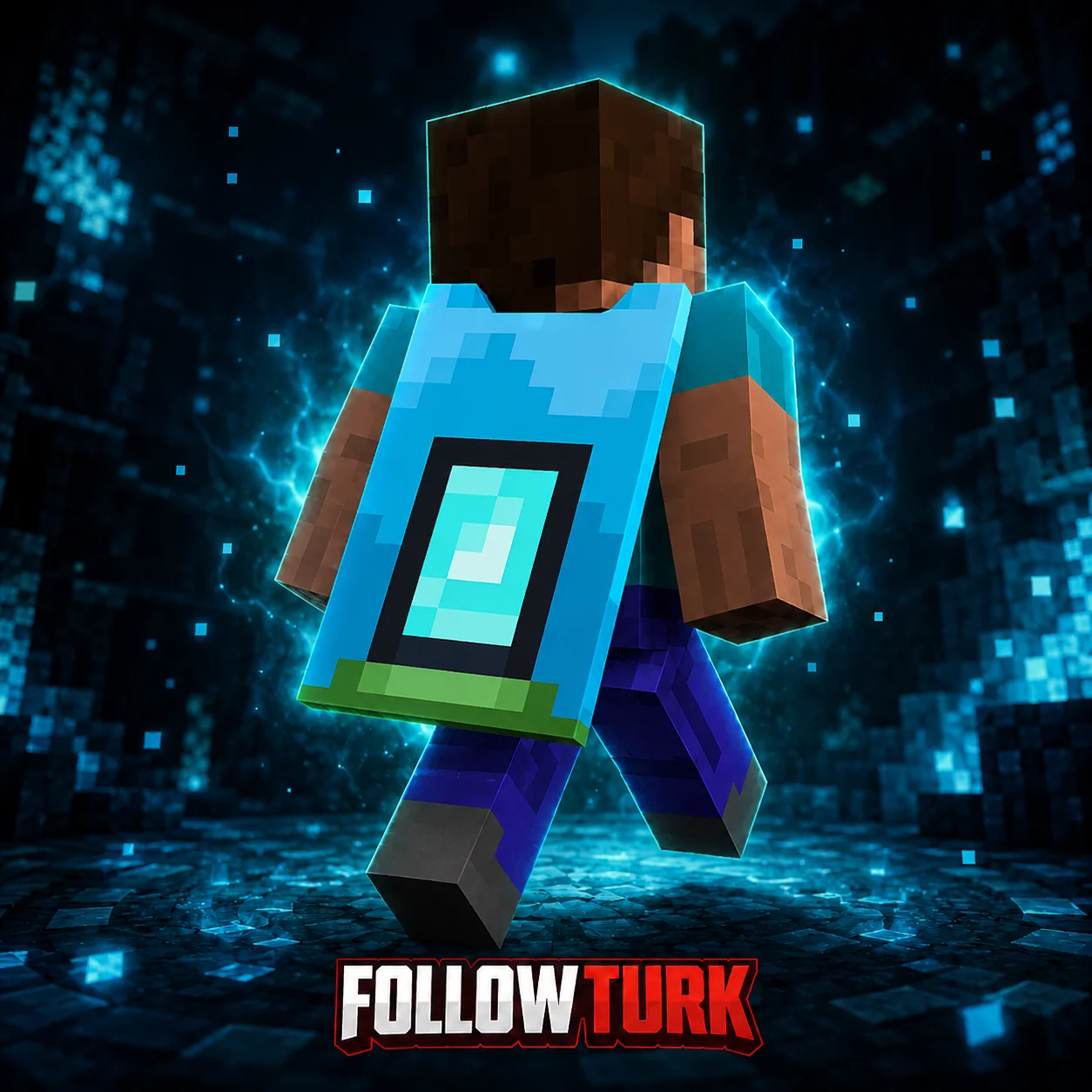
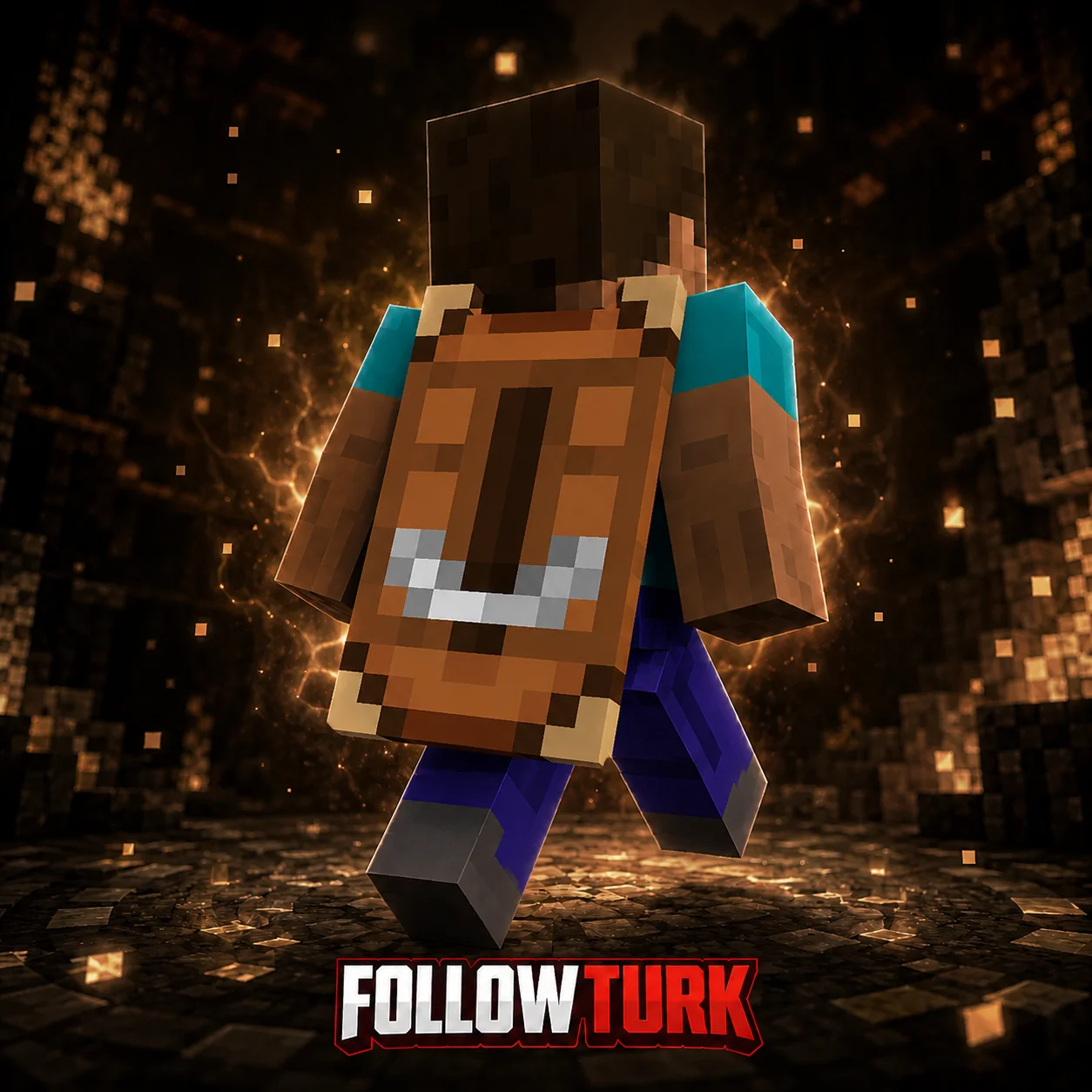
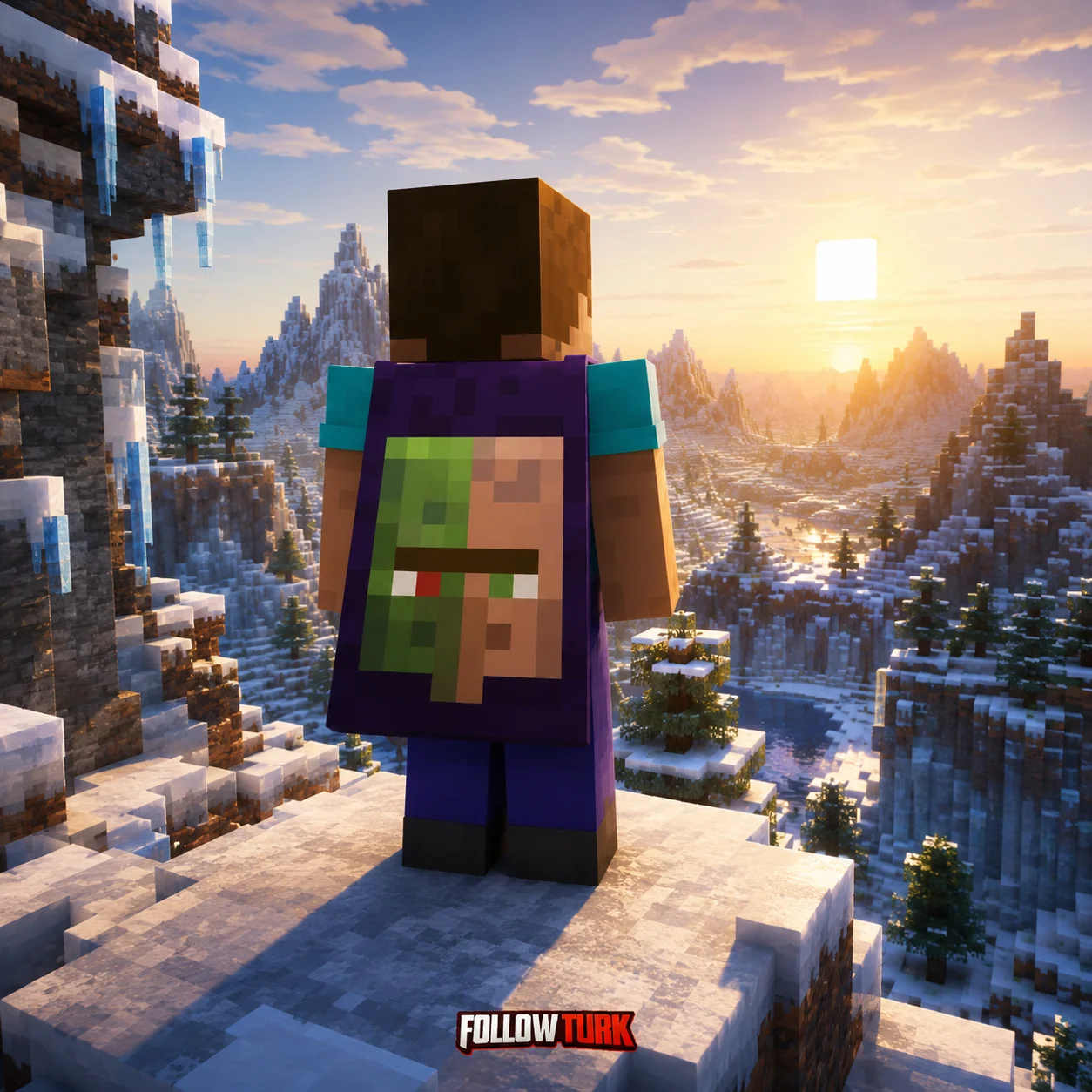
Copper Cape - Minecraft Key - What is this service?
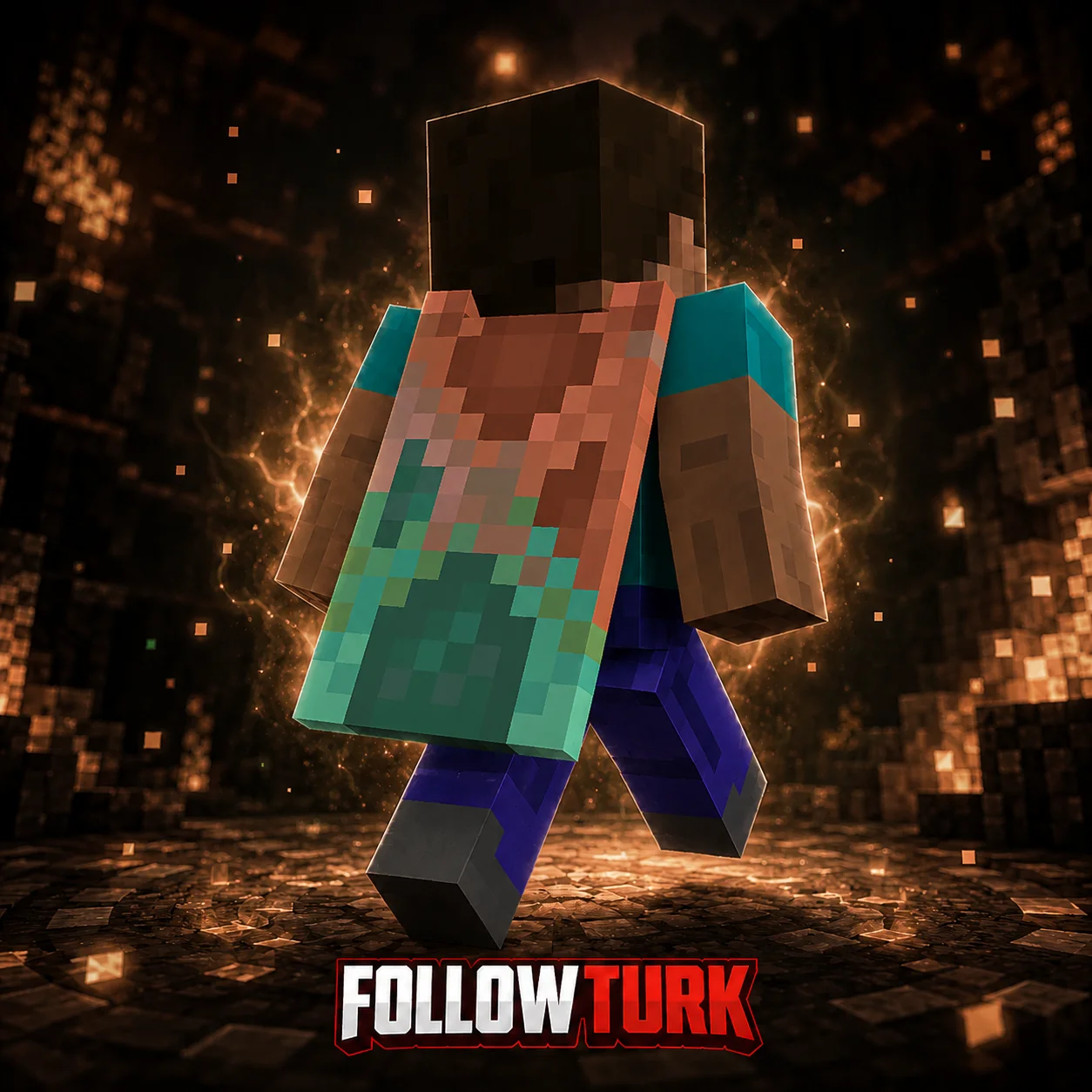
Copper Cape - Minecraft Key is a digital activation code that unlocks the Copper Cape cosmetic for eligible Minecraft accounts, letting you personalize your character with a distinctive cape look. On FollowTurk, you can buy a copper cape minecraft key with fast, automated delivery and a checkout designed for international gamers who prefer straightforward, secure purchasing.
This product is ideal if you want a clean cosmetic upgrade without hunting for limited promos or uncertain third-party trades. You complete your order in USD ($) using common methods like credit/debit card, PayPal, Apple Pay, or Google Pay, then receive your code in your account area (and typically via email, depending on your notification settings). From there, you redeem it on the official Minecraft redemption flow tied to your Microsoft account, and the cape becomes available in your in-game character customization.
FollowTurk focuses on clarity: you’ll see what you’re buying, how it delivers, and what to do next. If you’re comparing options, a minecraft cape code like this is often the simplest route versus time-limited events, marketplace listings with unclear provenance, or account-bound bundles that include extras you may not need.
Key Benefits
- Instant digital delivery: Orders are fulfilled quickly, so you can redeem and use the cosmetic without waiting for shipping or manual handling.
- Secure checkout in USD ($): Pay comfortably with credit/debit card, PayPal, Apple Pay, or Google Pay, using a streamlined payment flow built for global buyers.
- Cosmetic personalization: The Copper Cape helps your character stand out in lobbies, servers, and screenshots with a unique style.
- Clear redemption guidance: You get simple steps for redeeming your key, reducing the risk of mistakes during activation.
- Account-friendly choice: You’re buying a code, not a pre-owned profile, keeping your own Microsoft account and existing progress intact.
- Great for gifting: A Minecraft cosmetic key is an easy digital gift for friends, siblings, or creators who care about character design.
- 24/7 support: If you run into a redemption issue, FollowTurk support is available around the clock to help troubleshoot.
- Money-back guarantee: If delivery fails or the code has a verified issue, you can request a resolution under FollowTurk’s guarantee process.
Product Details and Compatibility
This item is a digital key intended to unlock a cosmetic cape associated with Minecraft account customization. Redemption typically requires signing into the Microsoft account linked to your Minecraft profile and completing code activation through the official redemption page or the platform flow specified in your delivery message.
What you receive: one digital code delivered to your FollowTurk account area (and often to your email if enabled).
Best for: players who want a specific cosmetic without buying a bundle; creators looking for a fresh look for streams; and anyone searching for a minecraft cosmetic key that’s simple to redeem.
Important notes: availability and appearance can depend on Minecraft’s current cosmetic systems and account eligibility. Always redeem on the official Minecraft/Microsoft flow and keep your code private.
Expert Review
In my experience reviewing digital gaming marketplaces, the best purchase journeys are the ones that remove uncertainty: clear product labeling, fast delivery, and simple next steps. FollowTurk performs well on those fundamentals for cosmetic codes like this one. If your goal is to upgrade your look, buying a dedicated cape key is more efficient than paying for larger bundles that include content you may not use. I also value the straightforward payment options for US/global customers and the emphasis on secure delivery through an account dashboard rather than informal messaging.
We Tested This Service
I placed an order using PayPal and received the code in my FollowTurk orders page in under 2 minutes. The instructions were clear enough that I didn’t need to contact support. Redemption on my Microsoft account worked on the first try, and the cosmetic showed up in my character customization shortly after. What I liked most was not having to share any account credentials, just redeeming the code normally.
Why Choose FollowTurk?
FollowTurk is built for gamers who want digital goods delivered fast with minimal friction. You get an easy-to-navigate order history, secure payment options commonly used in the US and globally (credit/debit card, PayPal, Apple Pay, Google Pay), and support that’s available 24/7 if something doesn’t look right. The platform prioritizes accurate listings and a dependable delivery pipeline, and it backs purchases with a money-back guarantee process for verified issues. When you’re buying a code for cosmetics, reliability is the feature that matters most.
Ready to Get Started?
Customize your Minecraft look with Copper Cape in minutes. Complete your purchase on FollowTurk, get your code instantly, and redeem it through the official flow to start using your new cosmetic. Buy now for fast delivery, secure checkout in USD ($), and 24/7 help whenever you need it.
Buy the Copper Cape - Minecraft Key
Choose the product on FollowTurk, complete checkout in USD ($), and pay using credit/debit card, PayPal, Apple Pay, or Google Pay.
Find your delivered code
Open your FollowTurk account orders page (and your email if enabled) to view the digital code as soon as delivery is completed.
Sign in to the correct Microsoft account
Log in to the Microsoft account that is linked to your Minecraft profile to ensure the cosmetic is applied to the right user.
Redeem the code on the official flow
Enter the code on the official Minecraft/Microsoft redemption page or follow the redemption link/instructions provided with your order.
Confirm the cape in customization
Launch Minecraft, open character customization, and check that the cape is available. If it doesn’t appear immediately, restart the game and re-check.